Main Screen
From the Start Menu, let's load the bited font we imported previously.
Hint
To load existing fonts from the Start Menu, press the "load" button (2).
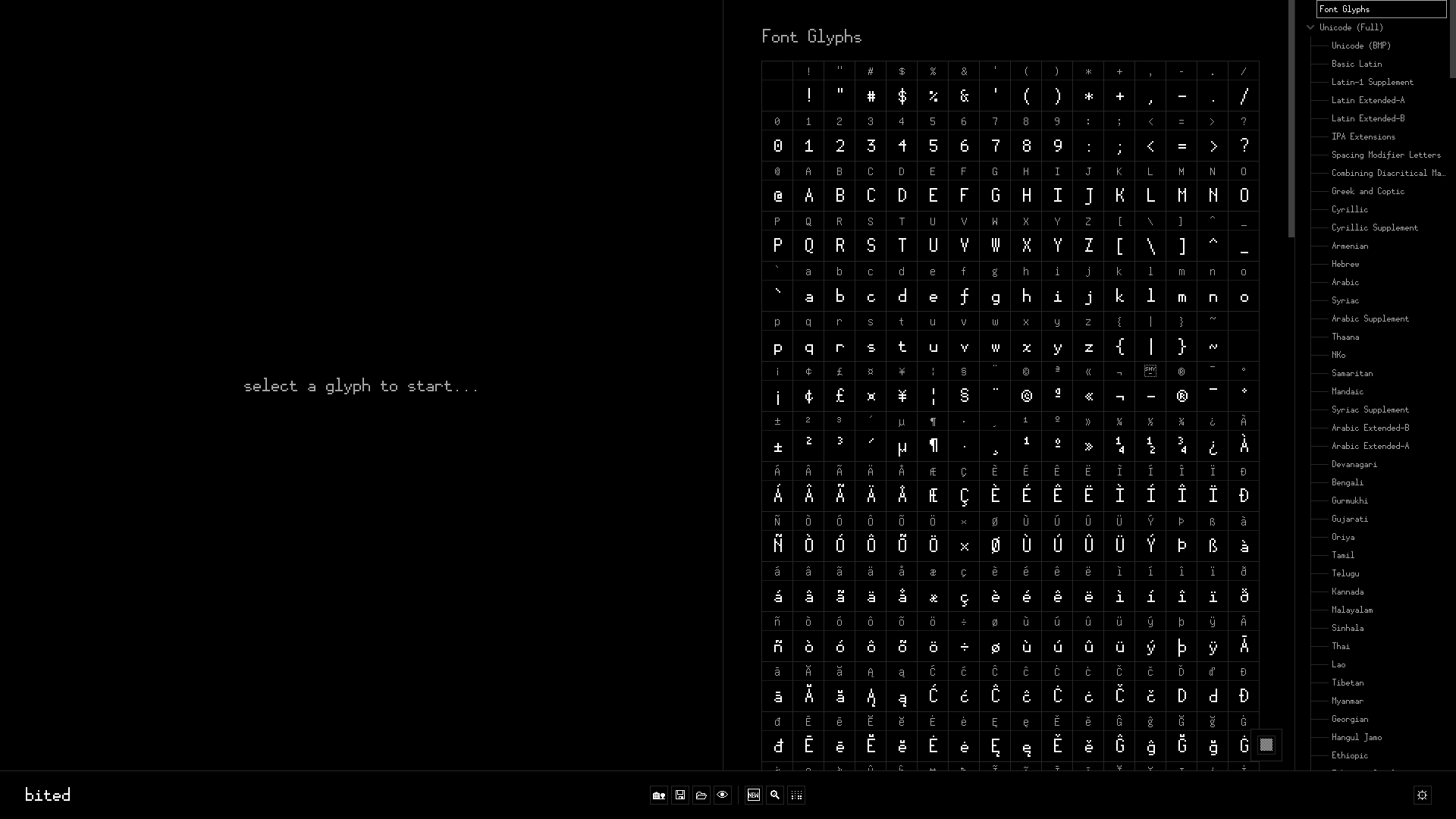
In the table with a bunch of glyphs, find the "b" glyph and double-click it.
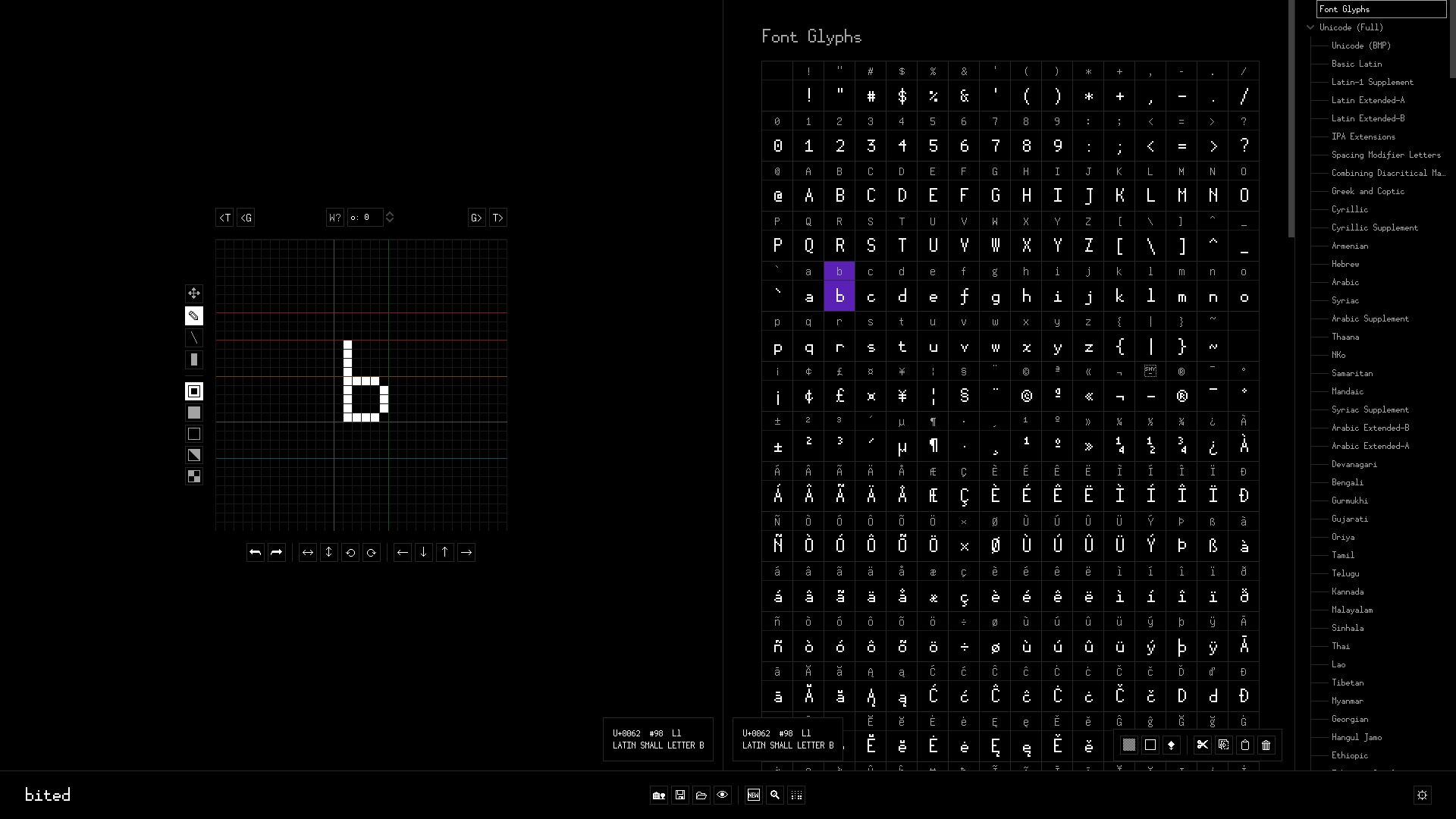
The Main Screen consists of several panels (from left to right, top to bottom):
Editor
A place to draw and manipulate individual glyphs. Features visual markers representing font metrics.
Table
A view of glyphs in the currently selected Tree. Used to select and manipulate multiple glyphs, or send individual glyphs to the Editor.
Tree
A nested list of character sets ("charsets") and encodings. You can switch between entries here to find or focus on groups of glyphs that you wish to edit.
Navbar
A bar at the bottom of the Main Screen. Contains buttons for font-wide operations (e.g. saving and loading) and settings.